














Buying an AI sentiment analysis tool on model accuracy alone is how enterprises end up with another dashboard and no operational change. The harder problem is getting sentiment out of isolated reports and into the systems that run customer service, employee feedback, compliance review, and contact center decisions.
That is why enterprise readiness matters more than a long feature checklist. A useful platform has to connect with CX and EX systems, handle high interaction volumes, respect retention and access controls, and fit the workflows your teams already use. In practice, the winning tool is rarely the one with the flashiest demo. It is the one your architects can integrate, your security team can approve, and your operations leaders can act on.
I evaluate these platforms through that lens.
That means looking past positive, negative, and neutral labels to the implementation details that decide whether sentiment becomes a working signal or shelfware. For some teams, that points to a packaged application tightly connected to survey, voice, or contact center environments. For others, it points to an API-first option that offers more control but also shifts more work to internal engineering. If your team is comparing packaged platforms with analytics layers such as Yellow.ai AI analytics for customer interaction signals, the important question is not which tool has more features on paper. It is which one fits your data model, governance requirements, and operating stack with the least friction.
The tools below are assessed on integration depth, privacy and compliance posture, tuning flexibility, and how well they support action after analysis. Selection is only the first step. The bigger decision is whether the product can fit enterprise architecture without creating new silos.
Table of Contents
- 1. Yellow.ai Analyze
- 2. Qualtrics XM Discover
- 3. Sprinklr
- 4. Talkwalker
- 5. InMoment with Lexalytics
- 6. CallMiner Eureka
- 7. NICE Enlighten AI
- 8. Google Cloud Natural Language API
- 9. Amazon Comprehend
- 10. Microsoft Azure AI Language
- Comparison of Top 10 AI Sentiment Analysis Tools
- From Selection to Action An Enterprise Implementation Guide
1. Yellow.ai Analyze
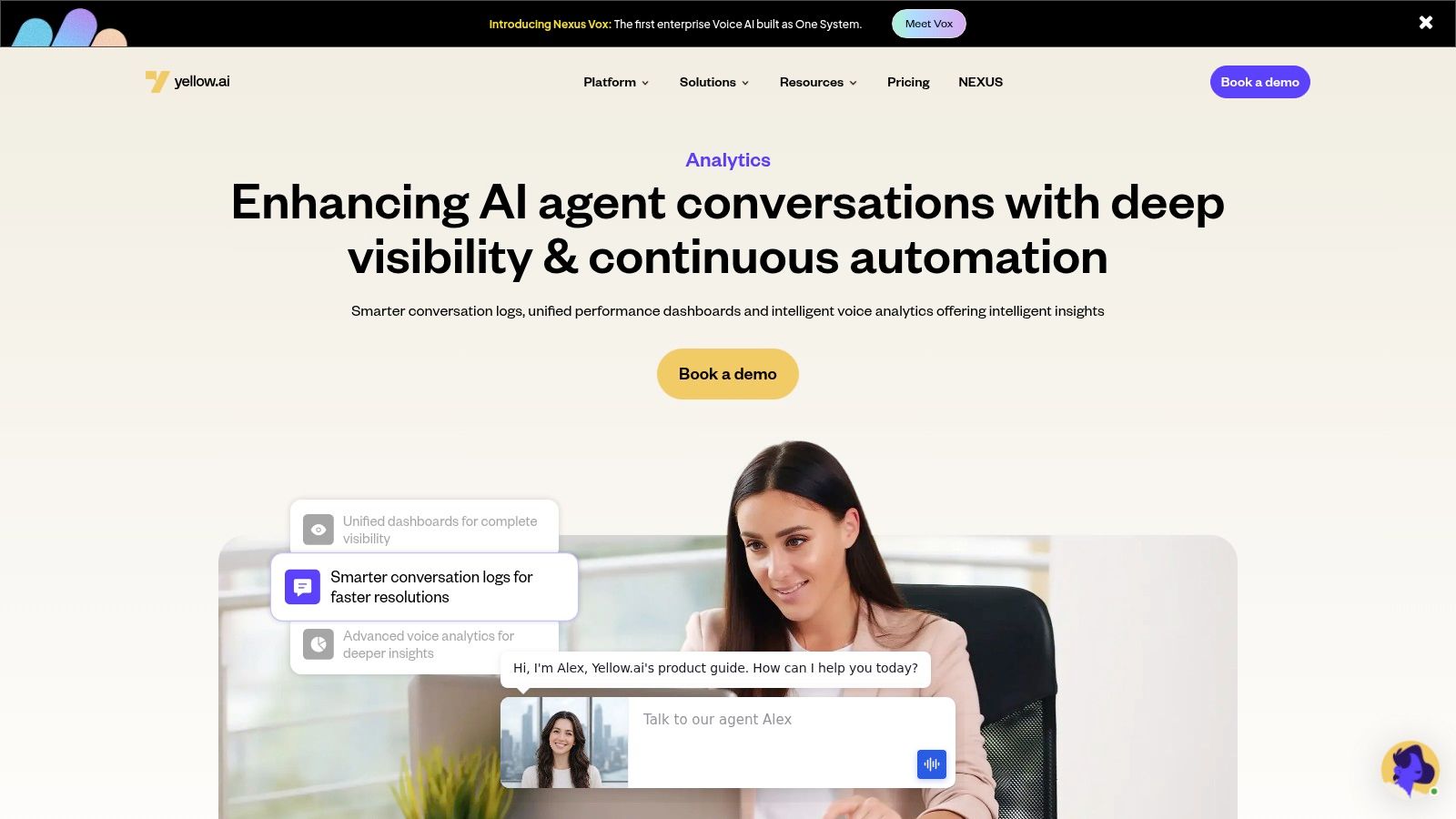
Yellow.ai Analyze is the most enterprise-complete option in this list for teams that don't just want sentiment labels. They want root-cause visibility across conversations, agents, intents, and channels. That matters because sentiment by itself rarely changes anything. Sentiment tied to conversation logs, voice signals, and failure points does.
The platform's strength is how it connects analytics to the rest of the operational stack. Instead of isolating sentiment in a reporting layer, Yellow.ai pushes it closer to workflow design, bot optimization, and service improvement. If you're evaluating Yellow.ai Analyze for enterprise conversation analytics, that's the key lens to use.
Why it stands out
Yellow.ai goes beyond whole-conversation scoring. It breaks sentiment down at topic and conversation levels, which is where teams start to see what drives dissatisfaction. A billing conversation can be broadly neutral while one subtopic, like failed authentication or transfer friction, trends sharply negative.
That granularity is where many platforms fall short. They tell you what happened. They don't tell you which moment or utterance changed the trajectory.
- Topic-level visibility: Teams can isolate the exact issue cluster behind a poor experience, instead of treating the entire interaction as one emotional unit.
- Voice plus text context: Voice analytics and smart conversation logs help connect sentiment shifts with pauses, escalation moments, or agent behaviors.
- Trend monitoring: Historical views make it easier to track whether a workflow change reduced recurring friction.
Practical rule: Buy sentiment tools that can point to a repairable cause, not just produce a color-coded score.
Best fit and trade-offs
Yellow.ai is a strong fit for large enterprises running customer and employee service across chat, voice, and automation layers. It's especially useful when service leaders, conversation designers, and operations teams need a shared analytics surface instead of disconnected QA and BI workflows.
The trade-off is implementation effort. You'll get more value if your data pipelines, channel architecture, and workflow ownership are already reasonably mature. Smaller teams that only need lightweight survey analysis may find it heavier than necessary.
What works well:
- Continuous CX optimization: It supports a disciplined feedback loop from conversation signal to design change.
- Enterprise controls: It's built for environments that care about scale, compliance posture, and system integration.
- Operational follow-through: It's strongest when paired with automation and service orchestration, not treated as a standalone reporting product.
What doesn't:
- Low-maturity environments: If your organization still manages transcripts in exports and spreadsheets, advanced analytics won't save that operating model.
- Tool sprawl: Teams that already have fragmented CCaaS, survey, and BI ownership need governance before they need another dashboard.
2. Qualtrics XM Discover
Qualtrics XM Discover is the safest choice when your organization already runs customer experience and employee experience programs in Qualtrics. It inherits the Clarabridge text analytics lineage, which shows up in mature taxonomy management, sentence-level interpretation, and strong governance for enterprise listening programs.
Its biggest advantage isn't flashy AI. It's workflow continuity. Survey teams, EX leaders, contact center stakeholders, and CX program managers can work in the same environment instead of exporting data into separate analysis tools.
Where it wins
XM Discover handles multi-source ingestion well. Surveys, reviews, transcripts, and social data can live under one experience-management umbrella, which reduces one of the most common enterprise problems: different teams using different definitions of the same issue.
It's also a good fit in regulated sectors because teams can tune taxonomies and rules around industry language. That matters because generic models often flatten domain nuance. As noted in a Build Better AI analysis of real-time sentiment tools, general-purpose cloud APIs perform well on standard English benchmarks, but domain-specific tools can outperform them in finance, healthcare, and legal when trained on specialized corpora.
- Best for: Organizations already invested in Qualtrics XM.
- Strong point: Shared CX and EX analysis environment.
- Watch out for: Sales-led pricing and the ongoing effort required to maintain taxonomies.
Qualtrics is not the cheapest path to sentiment analysis, and it's not the fastest to tune. But if your real requirement is governance across distributed listening programs, it's one of the more dependable platforms on this list.
3. Sprinklr
Sprinklr makes sense when sentiment has to span public channels, care channels, and digital engagement in one operating model. Most vendors do one of those well. Sprinklr's appeal is that it tries to unify all three.
For global brands, that's valuable. The same product issue can surface first on social, then in messaging, then in contact center traffic. Sprinklr gives teams a chance to trace that signal across the journey instead of treating each channel as a separate program.
Best for unified public and service signals
Sprinklr is strongest in organizations with complex channel estates and mature central teams. Marketing, social care, reputation, and service operations can all work from the same platform layer, which shortens the distance between listening and response.
Its downside is complexity. Smaller teams often overbuy Sprinklr. They license a broad platform, then use a narrow slice of it.
Sprinklr is powerful when channel orchestration is part of the requirement. If you only need text analytics on support tickets, it's probably too much platform.
A few practical considerations:
- Use it when: You need social listening, care workflows, and analytics in one stack.
- Avoid it when: Your organization lacks a central owner who can govern taxonomy, permissions, and cross-suite process design.
- Expect: A learning curve. This isn't a plug-and-play dashboard product.
Sprinklr's sentiment capabilities are credible, but the buying decision should really hinge on platform unification. If that's not a priority, more focused tools will be easier to implement and easier to keep adopted.
4. Talkwalker
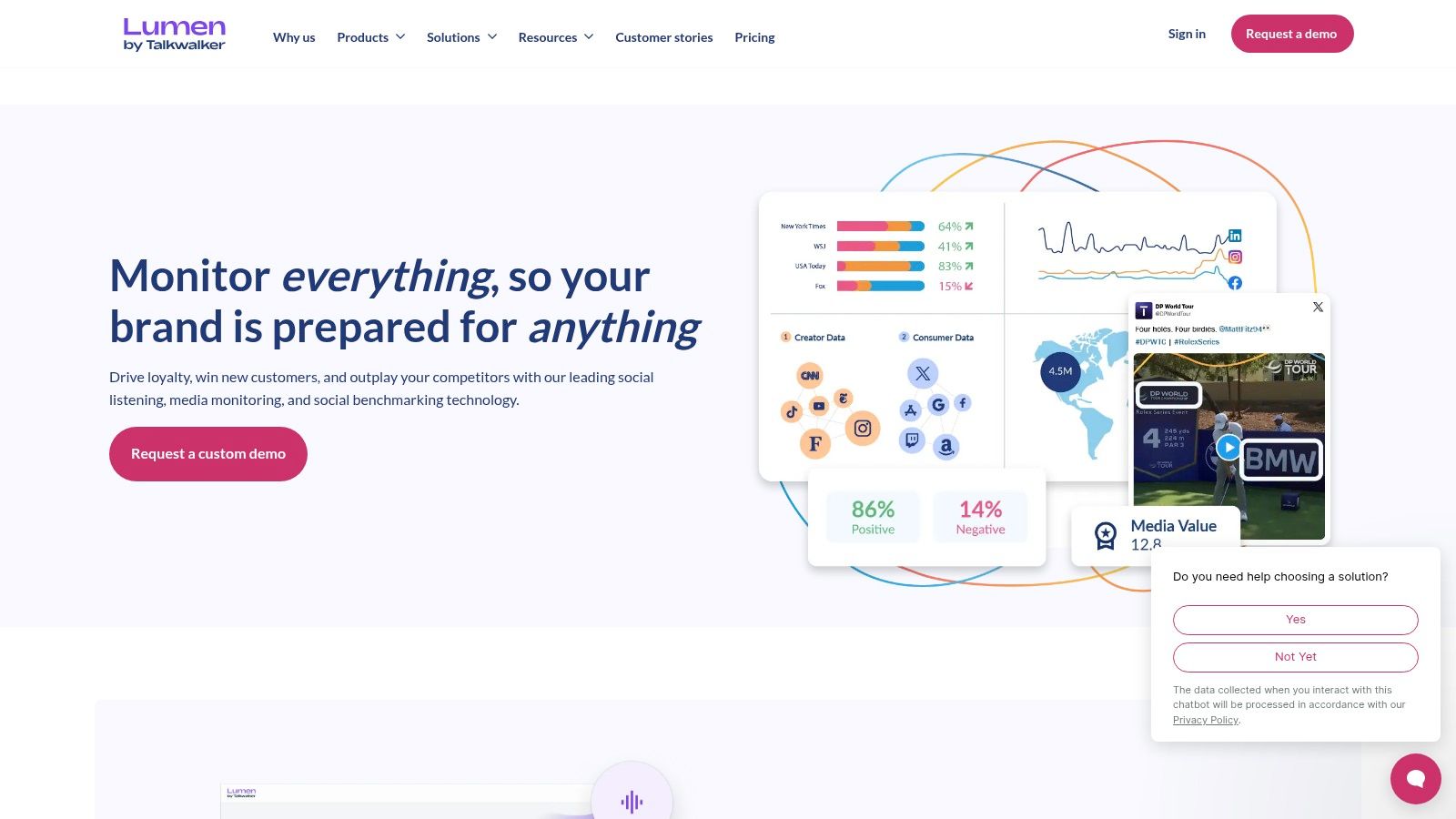
Talkwalker is one of the cleaner choices for brand intelligence teams that need sentiment on public conversation rather than deep first-party service analytics. It's particularly effective for tracking campaigns, reputation shifts, and emerging issues across social networks, news, forums, podcasts, and reviews.
Many buyers make a category mistake. They buy a social listening tool, then expect it to behave like contact center analytics software. Talkwalker can support broader intelligence work, but its core strength remains public data analysis.
Strong for brand intelligence
Talkwalker's reporting and visualization are strong enough for executive and regional stakeholder use. Distributed teams can monitor the same themes, markets, and anomalies without building their own reporting layer from scratch.
It also handles multilingual public conversation well, which matters for global brands managing launches, crises, or brand-health monitoring across regions.
- Strong point: Public web coverage and visual reporting.
- Best use case: Reputation tracking, campaign analysis, and crisis detection.
- Limitation: Owned and first-party service data usually require additional setup and process work.
If your core problem is “what are customers saying publicly, and how fast is that changing,” Talkwalker deserves a serious look. If your core problem is “why are support interactions failing inside our service operation,” you'll want a different class of tool.
5. InMoment with Lexalytics
InMoment becomes much more interesting when you understand the Lexalytics layer behind it. This is not the tool I'd recommend for teams that want instant value with minimal setup. It is one I'd recommend for enterprises that care a great deal about custom vocabulary, aspect-based sentiment, and deployment flexibility.
That distinction matters in regulated industries and specialized support environments. Generic sentiment outputs often miss the practical meaning of domain language.
Why customization matters here
Lexalytics has long been associated with configurable text analytics, and that's the draw inside the InMoment environment. You can tune entities, categories, and aspect-level interpretation more aggressively than with many out-of-the-box platforms.
This is one of the cases where the enterprise trade-off is obvious. More control usually means more setup, more services involvement, and more governance discipline.
- Best for: Teams with industry-specific language and strong analytics ownership.
- Good sign: You already know the entities, themes, or compliance concepts you need to track.
- Bad sign: You want accurate domain sentiment without investing in taxonomy design.
The upside is precision in the contexts that matter most. The downside is that unused configurability becomes shelfware fast. Buy InMoment with Lexalytics when you're prepared to actively manage the model and taxonomy, not when you want a hands-off sentiment widget.
6. CallMiner Eureka
CallMiner is one of the most operationally grounded sentiment platforms in the contact center space. It's built for organizations that want to analyze every interaction, connect sentiment to QA and compliance, and push insights into coaching and performance management.
That makes it different from survey-led and social-led tools. CallMiner lives much closer to the service floor.
Built for operational contact center change
If your business runs large voice and digital service operations, CallMiner can surface issues that sampled QA programs routinely miss. Sentiment shifts inside calls often point to process failures, scripting issues, or training gaps long before survey scores catch up.
In this context, sentiment stops being a listening metric and becomes an intervention trigger. Teams using conversational AI in customer service operations usually need that connection between analysis and action.
The best contact center sentiment tools don't just score calls. They tell supervisors what to coach, what to fix, and where compliance risk is building.
A few practical takeaways:
- Best for: Voice-heavy enterprises with formal QA and compliance programs.
- Strength: Deep post-call and operational analytics.
- Trade-off: Deployment and calibration take work. This is not a light implementation.
CallMiner is worth the investment when the contact center is a strategic operation, not just a support function. If leadership will act on interaction-level insight, it performs well. If no one owns operational follow-through, much of its value gets stranded.
7. NICE Enlighten AI
NICE Enlighten AI is at its best when NICE CXone is already central to your contact center architecture. In that scenario, sentiment, behavioral analytics, agent guidance, and operational dashboards can work as one service layer instead of a stitched-together toolchain.
That matters because contact center teams rarely fail from lack of data. They fail from disconnected systems and slow management response.
Best when NICE is already your operating layer
Enlighten AI leans into objective scoring across interactions, agent behaviors, and recovery opportunities. For large service organizations, that's useful because it reduces dependence on manual review and inconsistent supervisor interpretation.
The flip side is ecosystem gravity. If you're not already aligned to NICE, the broader value proposition can weaken because the integration story gets more complicated.
- Choose it when: NICE CXone is already part of the enterprise standard.
- Expect value from: Agent guidance, quality monitoring, and service recovery use cases.
- Plan for: Change management. Managers and supervisors need to trust and use the scores.
NICE is not the most flexible answer for every sentiment use case. It is one of the more practical answers for enterprises standardizing contact center operations around a single control plane.
8. Google Cloud Natural Language API
Google Cloud Natural Language API is a developer tool first, not a ready-made CX program. That's important. Many teams buy cloud NLP services expecting a sentiment platform, then discover they still need ingestion pipelines, dashboards, alerting, taxonomy, and governance.
Used correctly, though, Google's API is a solid building block. It handles document and entity-level sentiment and fits teams that want to embed sentiment into internal products, workflows, or analytics pipelines.
Good API, not a finished program
According to the previously cited Build Better AI analysis, AWS and Google Cloud Natural Language score strongly on standard English benchmarks, but specialized enterprise domains often need fine-tuned tools for better contextual precision. That's the right way to evaluate Google. It's strong infrastructure, not automatic domain mastery.
This tool is best when engineering owns the sentiment pipeline and has a clear operational consumer for the output. If nobody is ready to build the surrounding layer, adoption will stall.
A useful framing comes from current analytics conversations. Teams are increasingly pairing model output with business workflow design, not just BI reporting, which is a theme discussed in this conversation on how generative AI is reshaping analytics and CX.
- Best for: Product and data teams building custom applications.
- Strength: Easy API access and elastic cloud scale.
- Weakness: You must build the experience around it.
Google Cloud Natural Language is a good choice for platform teams. It's rarely the right choice for business teams that want a turnkey sentiment program.
9. Amazon Comprehend
Amazon Comprehend is the most natural fit for organizations that already treat AWS as their default operating environment. Its appeal isn't just sentiment scoring. It's targeted sentiment, batch and streaming support, and close alignment with the broader AWS data and security ecosystem.
That targeted sentiment capability is especially useful when product, support, or VOC teams care about sentiment toward a specific feature, entity, or issue rather than the document as a whole.
Useful when AWS is the default enterprise stack
Comprehend works well when sentiment is one step inside a larger AWS-native pipeline. For example, ingest from service systems, score text, move outputs into lake or warehouse workflows, and expose them in downstream apps or BI. In that architecture, it's efficient.
The risk is familiar. You still have to build the operational layer around it. Sentiment APIs don't create process discipline on their own.
- Best for: AWS-standardized enterprises with internal data engineering capability.
- Not ideal for: Teams looking for built-in dashboards and preconfigured CX workflows.
- Watch carefully: Costs at scale, especially if you score large volumes without filtering or prioritization.
Amazon Comprehend is practical, flexible, and enterprise-friendly. It just requires buyers to be honest about what they're purchasing. It's a service component, not a finished listening program.
10. Microsoft Azure AI Language
Azure AI Language stands out for one reason: opinion mining. If you need sentiment tied to targets and assessments inside reviews, tickets, or survey comments, Azure can reduce a lot of custom parsing work.
That makes it more useful than a generic sentiment API for teams that want aspect-level analysis but don't want to build every extraction layer from scratch.
Opinion mining is the real draw
Azure is a strong option for enterprises already standardized on Microsoft data and analytics tooling. Power BI, Synapse, Azure ML, and enterprise identity controls all make the broader implementation easier if you're already in that ecosystem.
It also fits organizations that need regional deployment control and predictable enterprise governance patterns. That's often more important than raw model novelty.
If your analytics team already lives in Azure, Azure AI Language will usually be easier to productionize than a disconnected specialist API.
One more practical note on validation. A recurring pain point in sentiment programs is proving output quality without manually labeling massive datasets. One practitioner approach discussed in a Reddit thread on AI tools for tagging and classification is to run LLM classifiers multiple times with varying temperature settings and only accept consistent outputs. That can reduce manual validation effort while improving confidence, especially when paired with reproducible filtering rules.
Azure AI Language is not a full business application. But for Microsoft-centric enterprises that want aspect-level insight and control over deployment architecture, it's one of the better foundational services available.
Comparison of Top 10 AI Sentiment Analysis Tools
| Solution | Core features ✨ | Quality ★ | Price/Value 💰 | Target audience 👥 | USP |
|---|---|---|---|---|---|
| Yellow.ai Analyze – AI Analytics 🏆 | ✨ Topic & conversation-level sentiment, voice analytics, trend viz, agentic RAG KB, multi-LLM | ★★★★★ | 💰 Enterprise (sales-led), ROI-focused | 👥 CX/EX teams, large enterprises | 🏆 Integrated voice + agentic RAG, Nexus Vox ultra-low latency, 150+ integrations |
| Qualtrics XM Discover | ✨ Clarabridge NLP, sentence/entity sentiment, multi-source ingestion, custom taxonomies | ★★★★☆ | 💰 Sales-led; premium TCO | 👥 CX/EX teams needing survey→action workflows | Strong governance + native action planning |
| Sprinklr | ✨ Omnichannel (social, voice, image, video), agent analytics, publishing | ★★★★☆ | 💰 Enterprise contracts | 👥 Global brands, social & care teams | Broad channel coverage with tight insight→action loop |
| Talkwalker | ✨ Social listening, trend detection, multilingual coverage, alerts | ★★★★☆ | 💰 Sales-led; scalable plans | 👥 Brand/PR, comms, marketing teams | Excellent public-data coverage & visual reporting |
| InMoment (w/ Lexalytics) | ✨ Aspect/target sentiment, tunable models, on-prem/cloud options | ★★★★☆ | 💰 Sales-led + services (scope-based) | 👥 Industry-specific enterprises, OEMs | Highly customizable text analytics and taxonomy services |
| CallMiner Eureka | ✨ 100% interaction transcribe & analyze, real-time + post-call, QA/coaching | ★★★★☆ | 💰 Enterprise/annual pricing | 👥 Contact centers, ops leaders | Purpose-built for voice-heavy operations and agent performance |
| NICE Enlighten AI | ✨ Behavioral analytics, objective CSAT, real-time agent guidance | ★★★★☆ | 💰 Enterprise contracts (CXone) | 👥 Large contact centers using NICE CXone | Deep CXone integration with real-time coaching modules |
| Google Cloud Natural Language API | ✨ Doc & entity sentiment, syntax, classification, multi-lang API | ★★★★☆ | 💰 Metered pricing; free monthly units | 👥 Developers, data teams building custom pipelines | Easy-to-use API with elastic scaling and clear pricing |
| Amazon Comprehend | ✨ Targeted sentiment, PII detection, batch/streaming, AWS integrations | ★★★★☆ | 💰 Metered (AWS); can scale cost at volume | 👥 Developers, AWS-centric teams | Targeted sentiment + tight AWS ecosystem integration |
| Microsoft Azure AI Language | ✨ Opinion mining (aspect-level), SDKs, regional deployment & controls | ★★★★☆ | 💰 Metered by record; region-dependent | 👥 Azure-standardized dev & analytics teams | Opinion mining + native Azure analytics/Power BI connectivity |
From Selection to Action An Enterprise Implementation Guide
Buying an AI sentiment analysis tool is rarely the hard part. Getting it to change frontline behavior, routing logic, coaching workflows, or product decisions is where programs succeed or fail. Enterprise value shows up only after sentiment signals reach systems that teams already use, such as CRM, CCaaS, ticketing, QA, VoC, or HR platforms.
Model accuracy matters. Operational fit matters more.
The common implementation mistake is treating sentiment as a reporting layer instead of an operational input. A dashboard can confirm that customers are unhappy. It does not help unless that signal can trigger service recovery, reprioritize a queue, flag an at-risk account, or give supervisors evidence they can coach against. In regulated or specialized environments, generic models also break down faster than buyers expect. Industry language, sarcasm, multilingual interactions, and policy-driven edge cases all need tuning.
I use a straightforward review framework during enterprise selection:
- Channel coverage: Confirm support for the inputs you use today, including calls, chat, email, surveys, app reviews, social posts, and employee feedback.
- Integration depth: Prioritize tools with native connections into CRM, contact center, case management, HRIS, and BI environments. Export-first setups create delay, duplicate ownership, and weak adoption.
- Analytic granularity: Match the model output to the use case. Document-level sentiment is enough for trend reporting. Coaching, complaint detection, and root-cause work often need sentence, entity, or aspect-level analysis.
- Tuning options: Domain-heavy teams usually need custom taxonomies, threshold controls, retraining support, or human-in-the-loop review.
- Security and compliance controls: Review data residency, retention policies, redaction, access controls, audit logs, and vendor support for internal governance reviews.
- Total cost of ownership: API pricing can look attractive early on, then rise once teams add orchestration, storage, monitoring, annotation, and workflow logic around it.
A short, disciplined proof of concept tells you more than a long vendor scorecard. Start with two or three use cases that already have executive attention, such as churn risk, complaint escalation, QA improvement, or employee experience issues. Then test a small vendor set against your own transcripts, messages, or verbatims. Synthetic samples hide too many failure modes.
During the POC, ask operational questions, not just modeling questions. Can supervisors see why a conversation was labeled negative? Can analysts trace sentiment to a product issue, policy failure, agent behavior, or interaction moment? Can the output trigger a case, alert, callback task, or coaching workflow without manual exports and spreadsheet cleanup?
Implementation also needs a sequence. Connect one high-value source first. Pair it with one downstream action system. Validate outputs with business owners who know the language and edge cases. After that, pilot one closed-loop workflow, such as routing severe complaints for recovery or flagging repeat friction points for service design review. Scale across channels and business units only after that flow is stable.
This is also where the trade-off between platform types becomes clear. General-purpose APIs from Google, AWS, and Microsoft fit teams that already have data engineering capacity and want control over model orchestration, storage, and application logic. Enterprise suites make more sense when CX, EX, and contact center leaders need faster adoption, governance controls, and built-in workflow connections. The right choice depends on operating model more than feature count.
The broader business case is already clear from market demand, as noted earlier. What matters at implementation time is less about theoretical analysis speed and more about whether the organization can absorb the signal and act on it consistently. Teams that assign ownership, define escalation rules, and measure downstream outcomes usually get value faster than teams that start with broad dashboards and no process changes.
The strongest programs close the loop between detection and response. They connect sentiment to automation, agent assist, coaching, service design, and follow-up actions across customer and employee journeys. That is why Yellow.ai deserves consideration in enterprise environments. It supports a path from conversational analysis to operational workflows across CX and EX. If you are also evaluating external digital signals alongside first-party interaction data, this overview of Apify Hub's web data explanation is useful for planning collection and analysis design.
Yellow.ai is a practical fit for teams that need sentiment tied to automation, voice, orchestration, and governance rather than standalone scoring. Explore Yellow.ai if that operating model matches your environment.



